Once you have created a project, you can configure users to access and work on the project. These users will have Write access to all subjects and specifications under a project.
To configure users, follow these steps:
- In the Requirements Workspace pane, select a project.
- Click the Project Users tab.
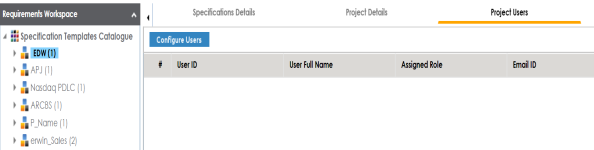
- Click Configure Users.
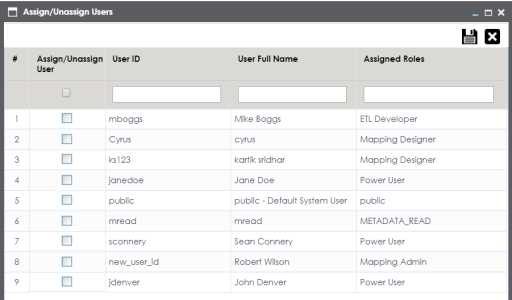
- Select one or more users to assign them to the project.
- Click
 .
.
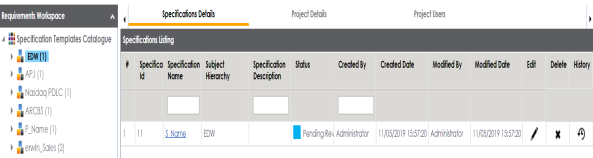
The following page appears.
The Assign/Unassign Users page appears.
The selected users are assigned to the project.
|
Copyright © 2023 Quest Software Inc. |